SPSS Software Download Guide for Students & Researchers
 admin
admin
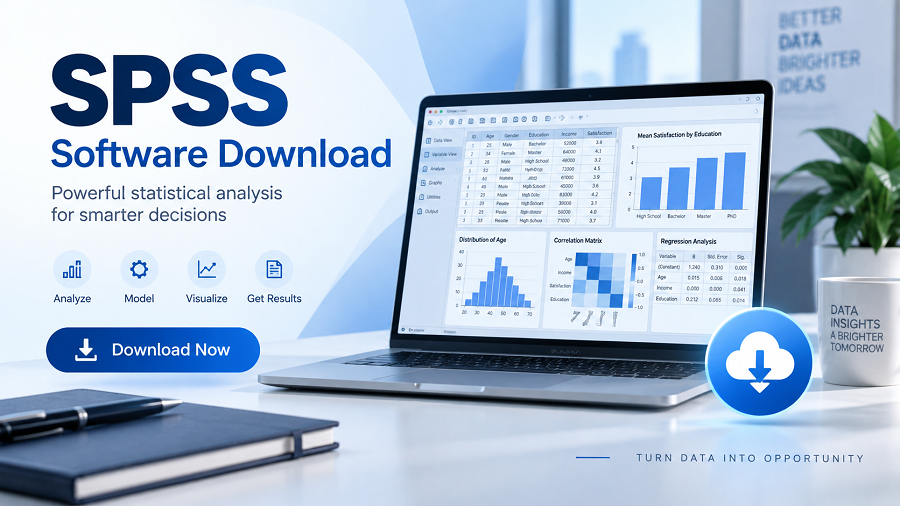
SPSS, now officially known as IBM SPSS Statistics, is a powerful software platform used for statistical analysis, data management, and research reporting.
Originally developed for social science research, SPSS has become one of the most widely recognized statistical tools across universities, government organizations, healthcare institutions, and businesses.
The software allows users to analyze large datasets without requiring advanced programming knowledge. Its graphical interface makes it easier for beginners to perform statistical tests, create charts, manage variables, and interpret results.
Common uses of SPSS include:
- Survey data analysis
- Academic research projects
- Market research
- Healthcare statistics
- Business forecasting
- Customer behavior analysis
- Educational studies
- Government research
For students, researchers, and professionals who need reliable statistical tools, finding the correct SPSS software download option is the first step toward using the platform effectively.
Why Do People Download SPSS Software?
Data has become essential for decision-making in almost every industry. Researchers and organizations need tools that can transform raw information into meaningful insights.
SPSS provides a complete environment for managing and analyzing data through statistical methods.
Some major reasons people choose SPSS include:
Easy-to-Use Interface
Unlike many statistical programming tools, SPSS provides menus and visual options that allow users to perform analysis without writing complex code.
Advanced Statistical Functions
SPSS supports many statistical techniques, including:
- Descriptive statistics
- Regression analysis
- Correlation testing
- ANOVA
- Factor analysis
- Cluster analysis
- Hypothesis testing
Research-Friendly Features
Academic researchers often use SPSS because it supports structured workflows for collecting, analyzing, and presenting research findings.
Professional Reporting
The software can generate tables, charts, and statistical outputs for use in research papers, presentations, and business reports.
Where Can You Download SPSS Software?
The safest way to download SPSS is through official IBM sources.
IBM provides SPSS Statistics through its official software platform, where users can access:
- Licensed versions
- Trial versions
- Subscription options
- Student editions (where available through institutions)
Many universities also provide access to SPSS through campus licensing programs. Students and researchers should check their institution’s software portal before purchasing their own license.
Downloading SPSS from unofficial websites can create risks, including:
- Malware infections
- Modified installers
- Illegal software copies
- Missing updates
- Activation problems
For security and reliability, always use legitimate sources.
SPSS Software Download Requirements
Before downloading IBM SPSS Statistics, users should check whether their computer meets the necessary requirements.
System requirements may vary depending on the SPSS version, operating system, and license type.
Typical requirements include:
| Operating System | Windows and macOS versions supported by IBM |
| Processor | Modern multi-core processor recommended |
| Memory | Sufficient RAM for handling large datasets |
| Storage | Space required for installation files and software components |
| Internet Connection | Needed for downloading and activation |
Users working with large datasets should consider computers with more memory and storage capacity for better performance.
How to Download SPSS Software Step by Step
The exact process can vary depending on your license type, but the general steps are similar.
Choose the Correct SPSS Version
First, identify which version you need.
Common options include:
- IBM SPSS Statistics subscription
- University-provided SPSS access
- Trial version
- Licensed professional version
Choosing the correct edition ensures compatibility with your requirements.
Create or Access an IBM Account
IBM typically requires users to sign in through an IBM account when downloading software or managing licenses.
You may need account details for:
- Download access
- License management
- Product updates
- Technical support
Download the Installation Package
After selecting your version, download the appropriate installer for your operating system.
Windows users usually receive an executable installation file, while macOS users receive a compatible installer package.
The download size can be large, so a stable internet connection is recommended.
Install SPSS on Your Computer
After downloading:
Open the installation file.
Follow the setup instructions.
Select installation preferences.
Allow the installer to complete.
Launch SPSS after installation.
During installation, users may be asked to provide license information.
Activate Your SPSS License
SPSS requires valid authorization before full use.
Activation methods may include:
- Subscription login
- License authorization code
- Network license from an organization
- University-provided access
Without proper activation, users may only have limited access or a trial period.
SPSS Software Download for Windows
Windows remains one of the most common platforms for SPSS users.
Before installing SPSS on Windows, users should:
- Check supported Windows versions.
- Ensure enough storage space.
- Close unnecessary applications
- Install available system updates.
After installation, SPSS can be launched from the Start menu.
Windows users often choose SPSS because it integrates well with common research workflows, including Excel data imports and database connections.
SPSS Software Download for Mac
IBM SPSS Statistics is also available for macOS.
Mac users should verify:
- Supported macOS version
- Hardware compatibility
- Available disk space
- License requirements
The installation process is similar:
Download the macOS installer.
Open the installation package.
Follow the setup instructions.
Activate the license.
Some features and compatibility details may differ between Windows and Mac versions, so it is recommended to check IBM’s official documentation.
Is SPSS Free to Download?
SPSS is not generally free software.
IBM provides commercial licensing options, but some users may access SPSS without paying directly through:
- University subscriptions
- Research organizations
- Educational programs
- Official trial periods
Students should check whether their school or university already provides access before purchasing a personal license.
Free unofficial SPSS downloads found online are often illegal and may expose users to security risks.
SPSS Software Alternatives
Although SPSS remains popular, several alternatives are available.
| R | Advanced statistical programming and research |
| Python | Data science and machine learning workflows |
| SAS | Enterprise analytics |
| Jamovi | Beginner-friendly statistical analysis |
| JASP | Academic statistics and Bayesian analysis |
| Excel | Basic data analysis |
The best choice depends on the user’s goals, technical experience, and research requirements.
Common Problems After SPSS Installation
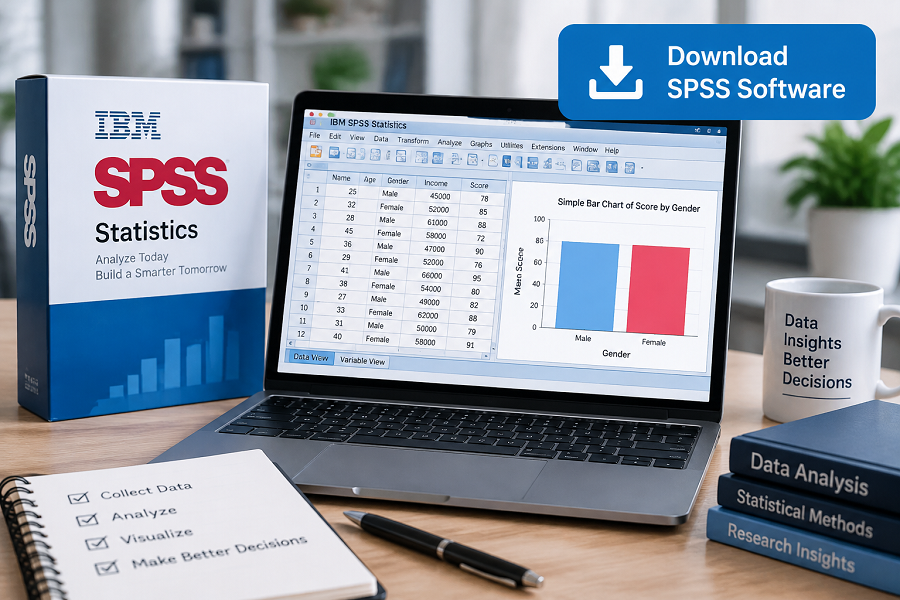
Some users experience issues after completing an SPSS software download.
License Activation Problems
Possible solutions:
- Verify license information
- Check the internet connection.
- Contact the organization providing the license.
Installation Errors
Common causes include:
- Unsupported operating system
- Insufficient storage
- Conflicting software
- Missing permissions
Performance Issues
For large datasets:
- Increase available memory
- Close background applications
- Optimize data files
Who Should Use SPSS?
SPSS is suitable for users who need professional statistical analysis without extensive programming.
Common users include:
Students
Students in fields such as psychology, business, education, and social sciences often use SPSS for research projects.
Researchers
Researchers use SPSS to analyze survey results, experimental data, and academic studies.
Businesses
Companies use SPSS for:
- Customer research
- Market analysis
- Decision-making
- Forecasting
Healthcare Professionals
Medical and public health researchers use SPSS for analyzing health-related data.
Authoritative External Sources
IBM SPSS Statistics Official Product Page
https://www.ibm.com/products/spss-statistics
https://www.ibm.com/products/spss-statistics
IBM Documentation for SPSS Statistics
https://www.ibm.com/docs/en/spss-statistics
https://www.ibm.com/docs/en/spss-statistics
IBM Software Support Resources
https://www.ibm.com/support
https://www.ibm.com/support
IBM Academic Initiative Resources
https://www.ibm.com/academic
https://www.ibm.com/academic
Image Suggestions
Image
Alt Text: IBM SPSS Statistics software interface showing data analysis tools
Caption: SPSS provides statistical analysis features for researchers, students, and professionals.
Image
Alt Text: Researcher analyzing statistical data using SPSS software on a computer
Caption: SPSS is widely used for academic research, business analytics, and data-driven decision-making.
FAQs
Is SPSS software free to download?
No. SPSS is commercial software developed by IBM. However, students and researchers may access it through university licenses or official trial programs.
Where is the safest place to download SPSS?
The safest option is to download SPSS from IBM’s official website or an authorized educational institution.
Can I install SPSS on Windows and Mac?
Yes. IBM SPSS Statistics supports both Windows and macOS platforms, depending on the version and system requirements.
Do students get SPSS for free?
Some universities provide free access to SPSS through institutional licenses. Students should check their university’s software resources.
What is SPSS mainly used for?
SPSS is mainly used for statistical analysis, research studies, survey analysis, data management, and reporting.
Is SPSS better than Excel?
SPSS is designed for advanced statistical analysis, while Excel is better for basic calculations and data organization. Researchers often choose SPSS for complex statistical testing.
Conclusion
SPSS remains one of the most recognized statistical analysis platforms for researchers, students, and professionals. A proper download of SPSS from official sources ensures access to reliable tools, security updates, and legitimate licensing.
Whether you are analyzing survey data, completing academic research, or working with business analytics, IBM SPSS Statistics provides a structured environment for turning data into meaningful insights.
Before downloading, always confirm your system compatibility, choose the correct license option, and avoid unofficial software sources. Using the legitimate version of SPSS helps users get the full benefits of this powerful statistical software while maintaining security and compliance.

Related Posts